A mobile AI assistant that simplifies everyday conversations through a clean, intuitive, and voice-first user experience.
How do you design an AI assistant people actually enjoy using?
As AI assistants become part of everyday life, many still feel overwhelming due to complex interfaces and feature-heavy experiences. The goal of NOVA AI was to design a mobile assistant that feels approachable, intuitive, and easy to use while delivering powerful AI capabilities through a clean, user-centered experience.
A cleaner, more intuitive AI experience.
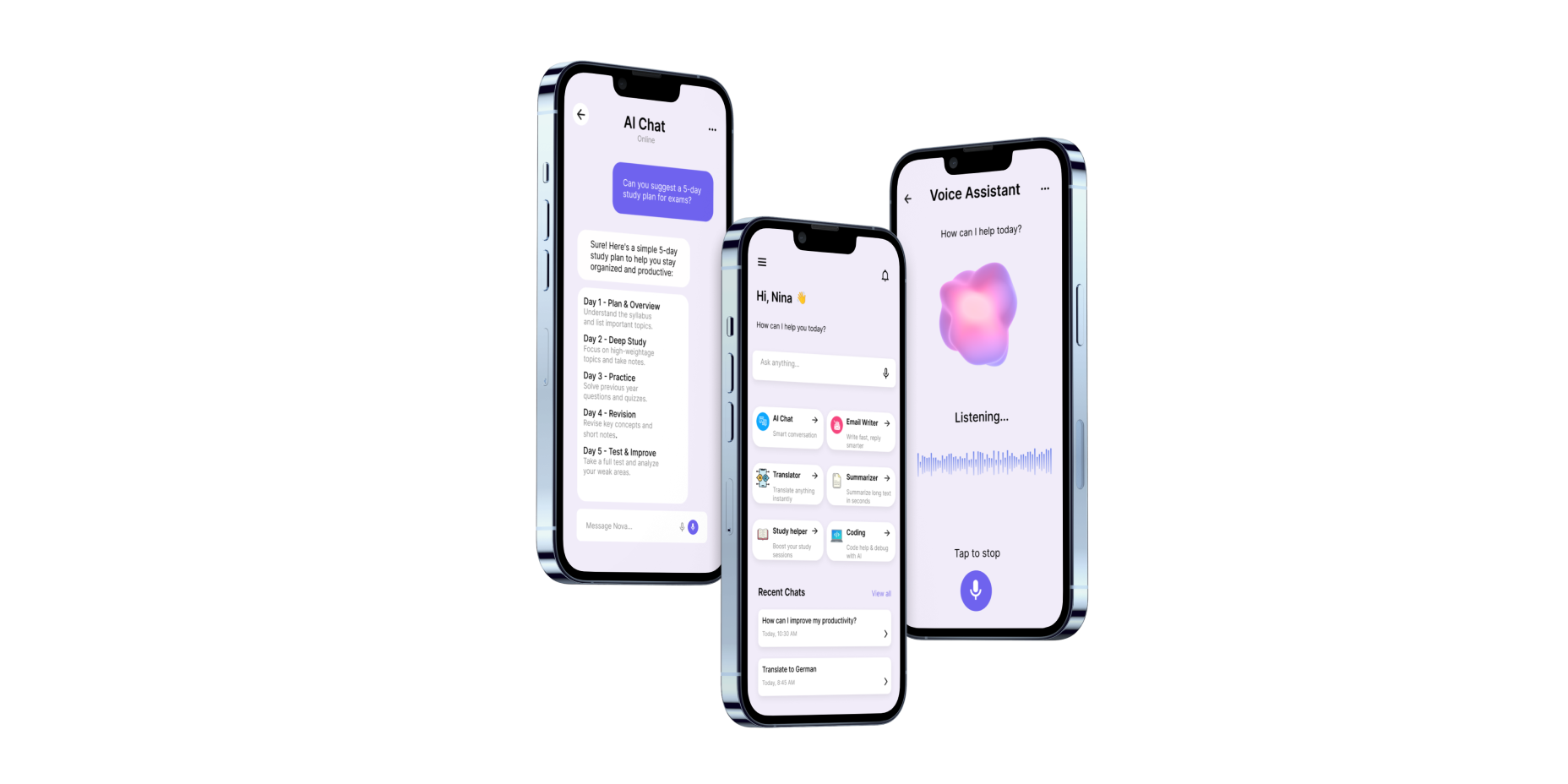
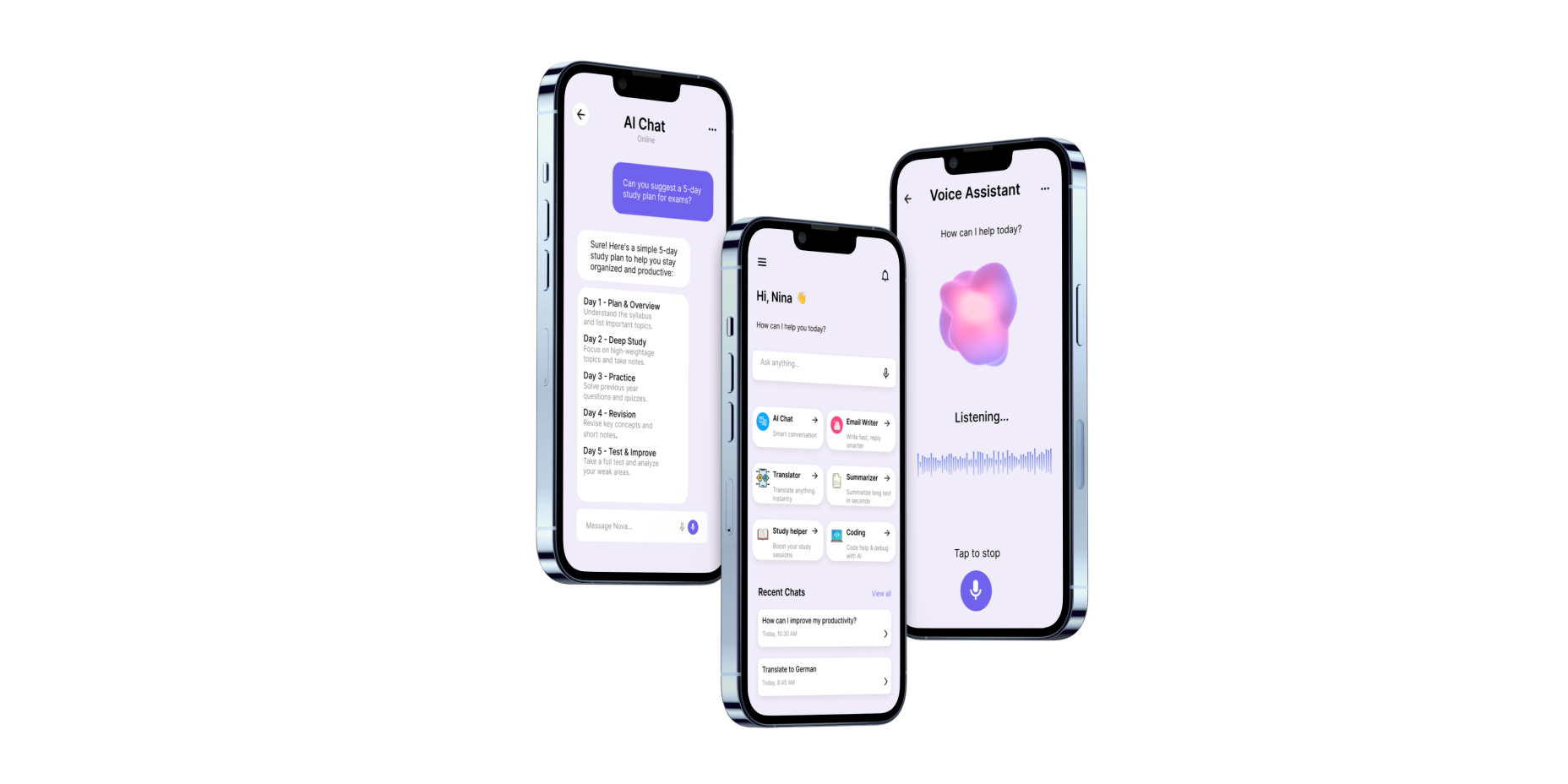
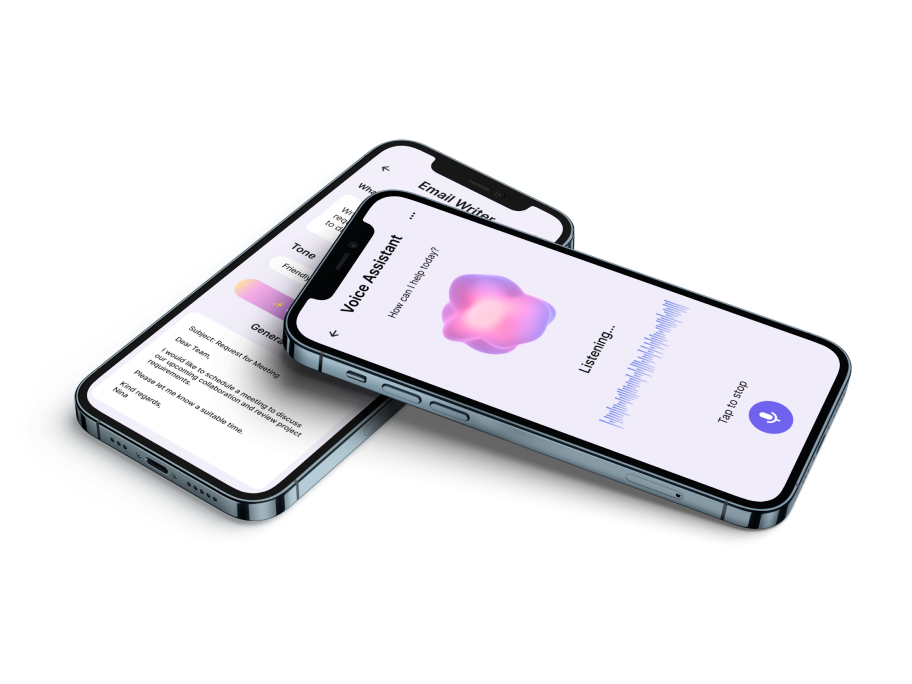
The final design delivers a clean and intuitive mobile experience that makes interacting with AI feel simple and approachable. Every screen was designed to reduce cognitive load, improve navigation, and create a consistent visual language across the product.
How the work came together — from first principles to final pixels.
Research & Analysis
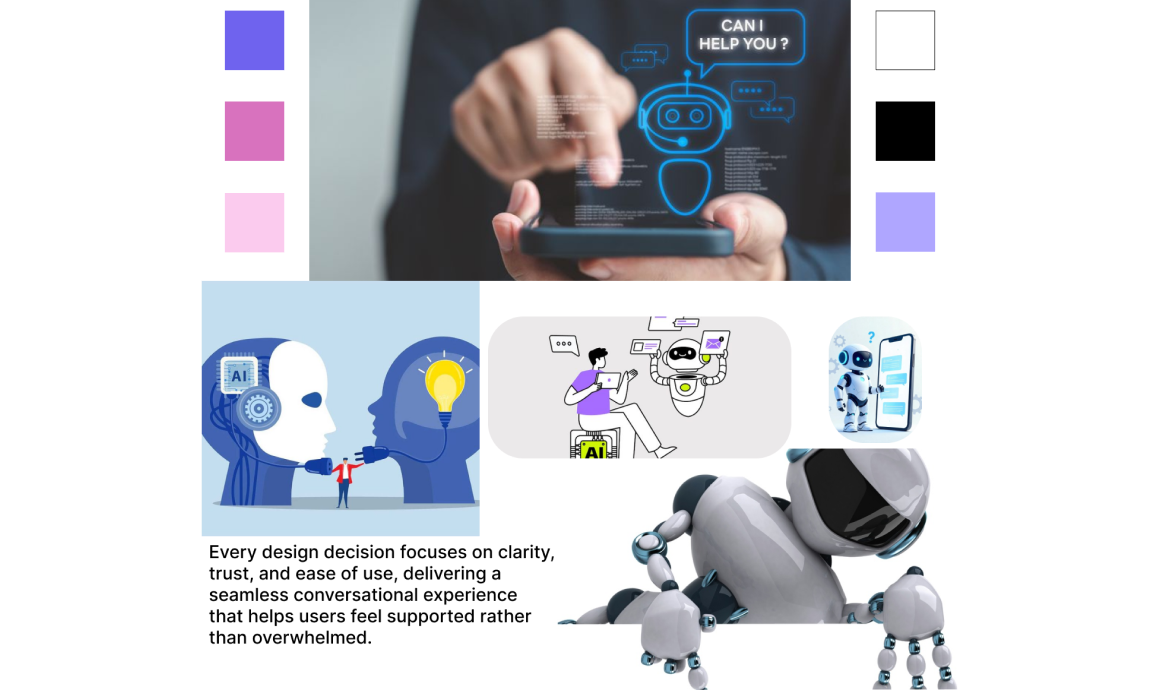
Before designing NOVA AI, I explored existing AI assistants such as ChatGPT, Claude, and Gemini to understand common interaction patterns, strengths, and usability challenges. I also reviewed current UI trends and identified opportunities to create a cleaner, more intuitive mobile experience focused on simplicity and accessibility.
Information Architecture
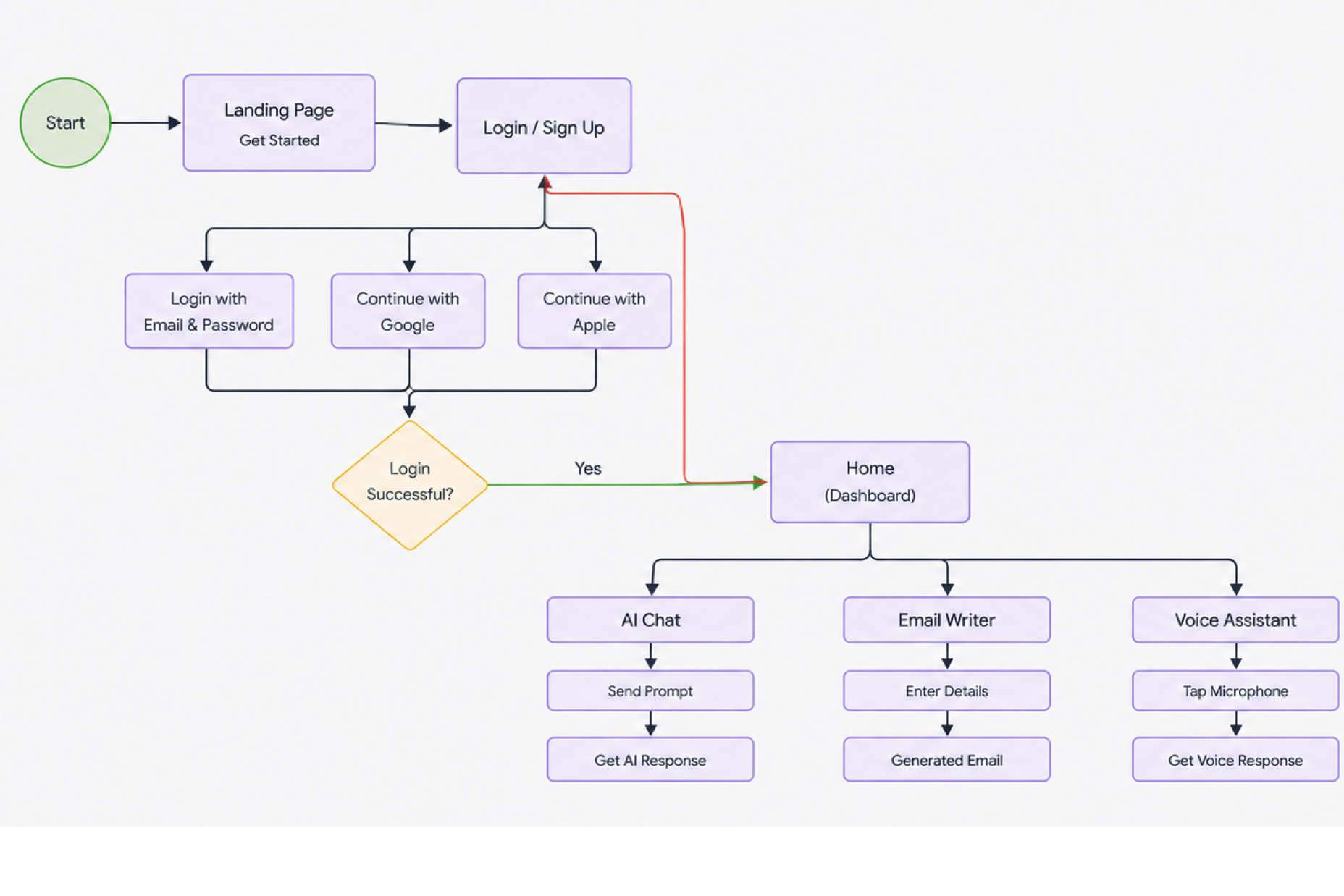
I organized the app around the user's primary goals, keeping navigation simple and reducing unnecessary complexity. The structure was designed to make conversations, voice interaction, and settings easy to access.
Wireframing & Prototyping
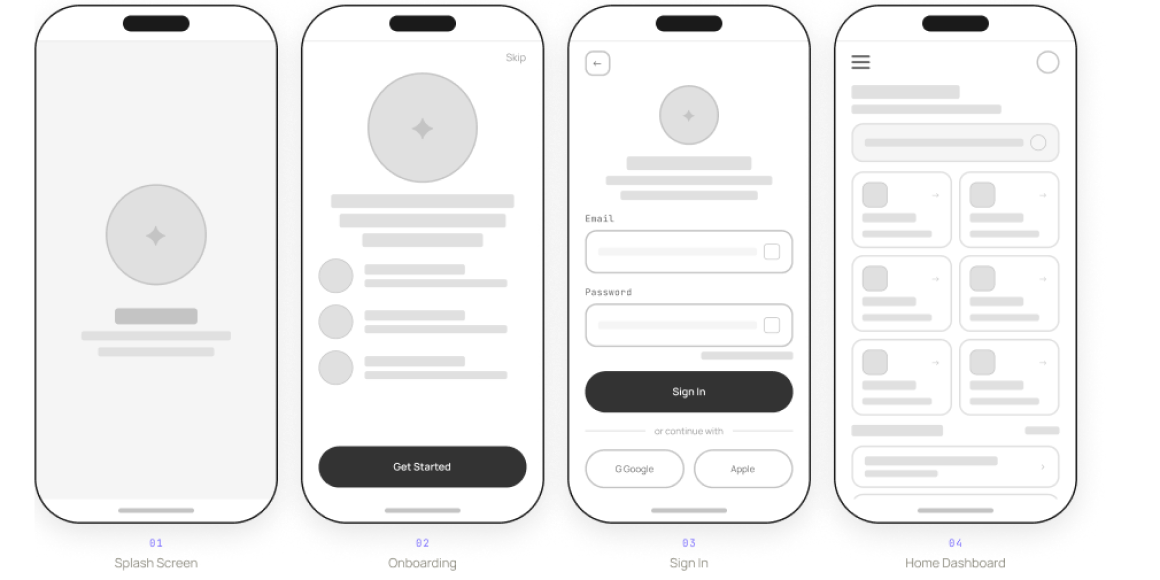
I created low-fidelity wireframes to explore layouts, user flows, and interactions before moving into high-fidelity designs. Prototyping helped refine navigation and ensure a smooth user experience.
Visual Design & Style Guide
To maintain consistency throughout the app, I established a simple design system including typography, colors, spacing, buttons, and reusable UI components. This helped create a cohesive user experience while keeping the interface clean and intuitive.